PM Max only
Autofill
On supported platforms, PM Max can fill passwords and credentials into websites and apps-so you spend less time copying from your data and more time getting things done (subject to OS and app support).
Cloud Storage Support
Encrypted sync and backup to your own cloud, with password autofill on supported platforms. Your encrypted data is never stored on our servers.
Connected cloud services · Optional Google Drive, Dropbox, and other integrations. We do not host your data on our servers.

On a desktop? Scan with your phone. App Store and Google Play use different store links.
PM Max mobile listings are not live yet. Scan PM Pro to install on your phone for now; upgrade path in app when available.
For users who want encrypted sync/backup and autofill alongside everything in PM Pro.
PM Max only
On supported platforms, PM Max can fill passwords and credentials into websites and apps-so you spend less time copying from your data and more time getting things done (subject to OS and app support).
PM Max only
PM Max adds optional encrypted backup and sync to cloud storage you control-pick a provider below and connect your data (availability varies by platform and release). We never store your encrypted data on our servers.
Privacy model
Your encrypted data is never stored on our servers. It stays on your devices and, with PM Max, in your own connected cloud account-not on company's servers.
Multi-device
Keep encrypted data aligned across supported platforms.
Migration
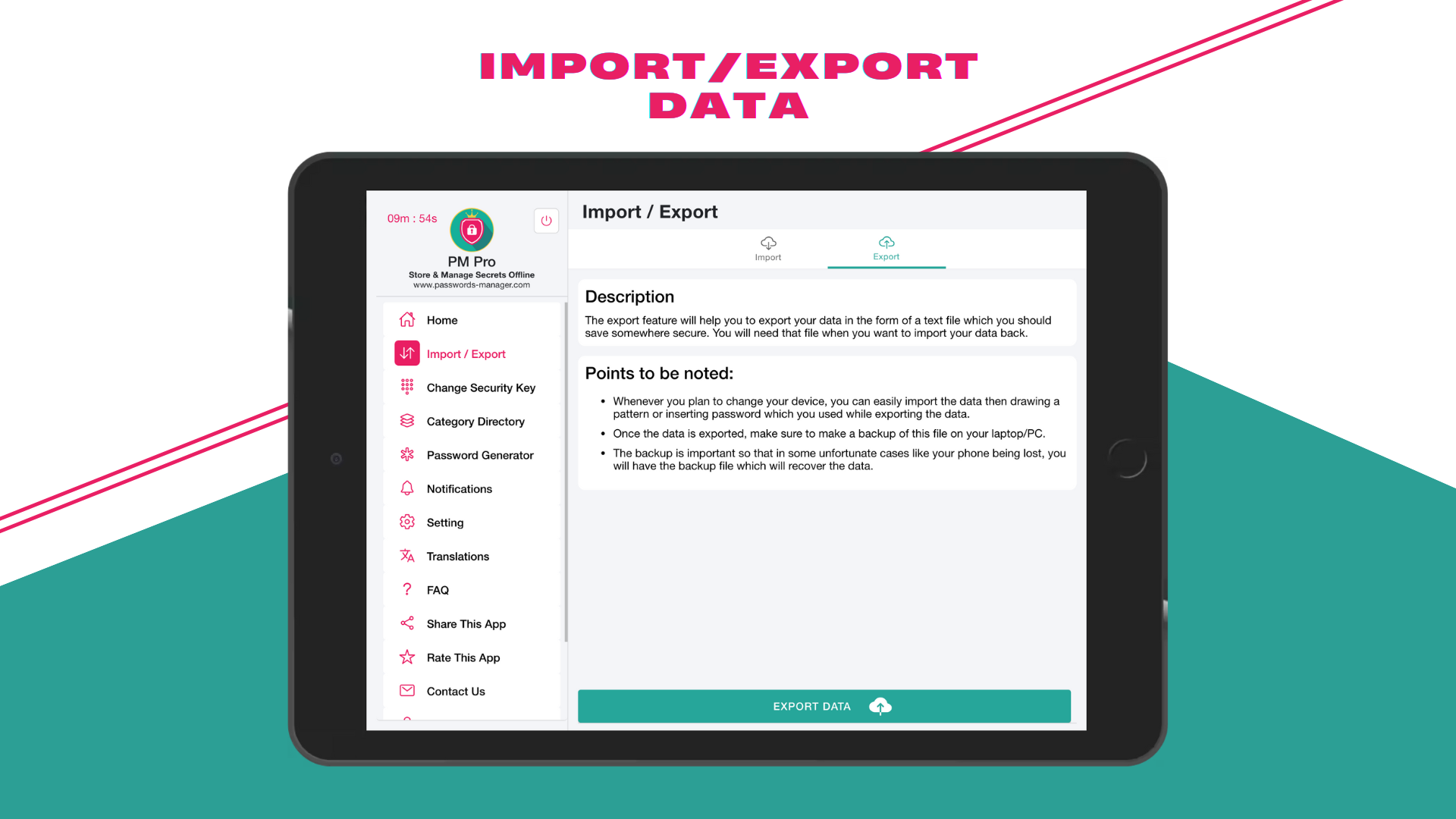
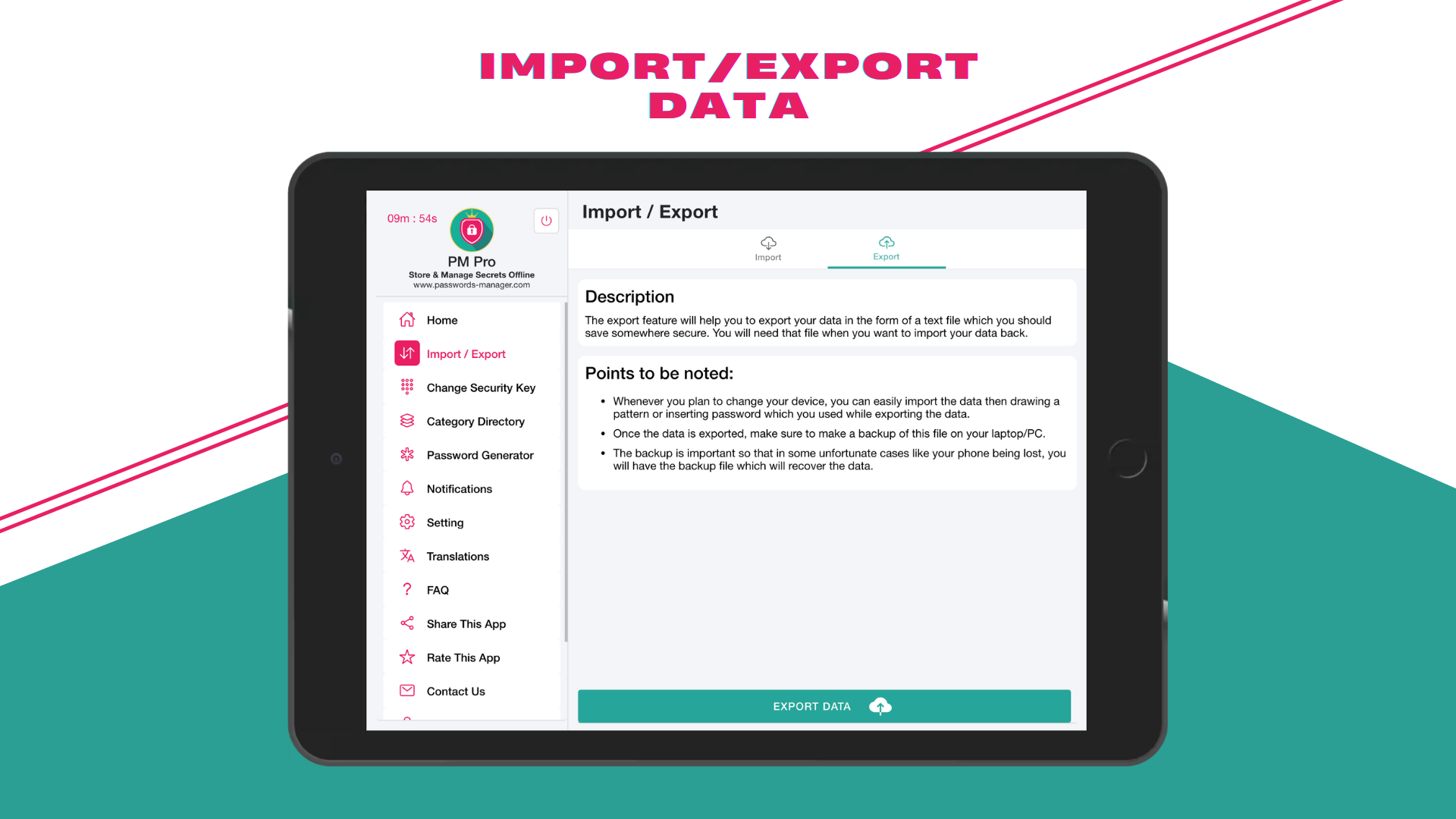
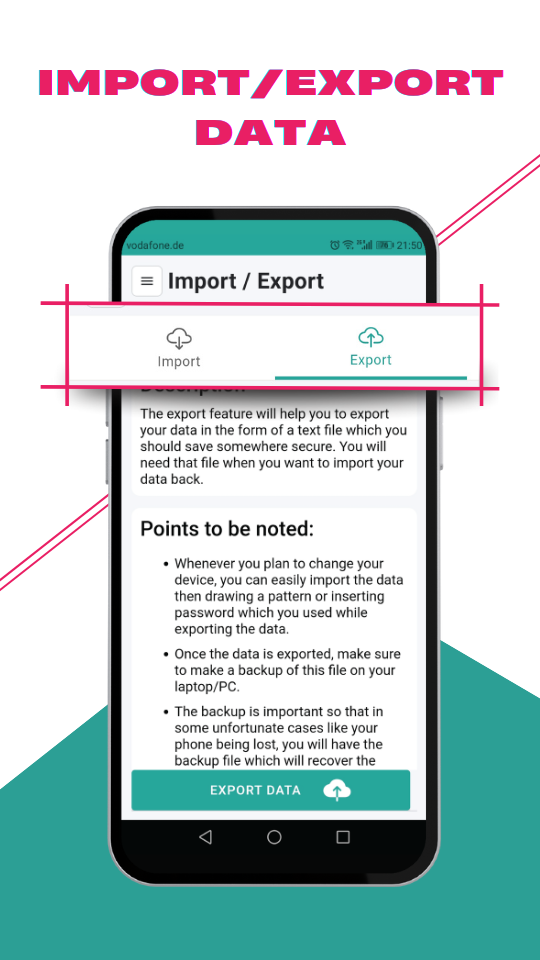
Move and restore data safely between devices when needed.
Security
Maintains local-first encrypted protection while enabling optional sync.
Anti-tamper
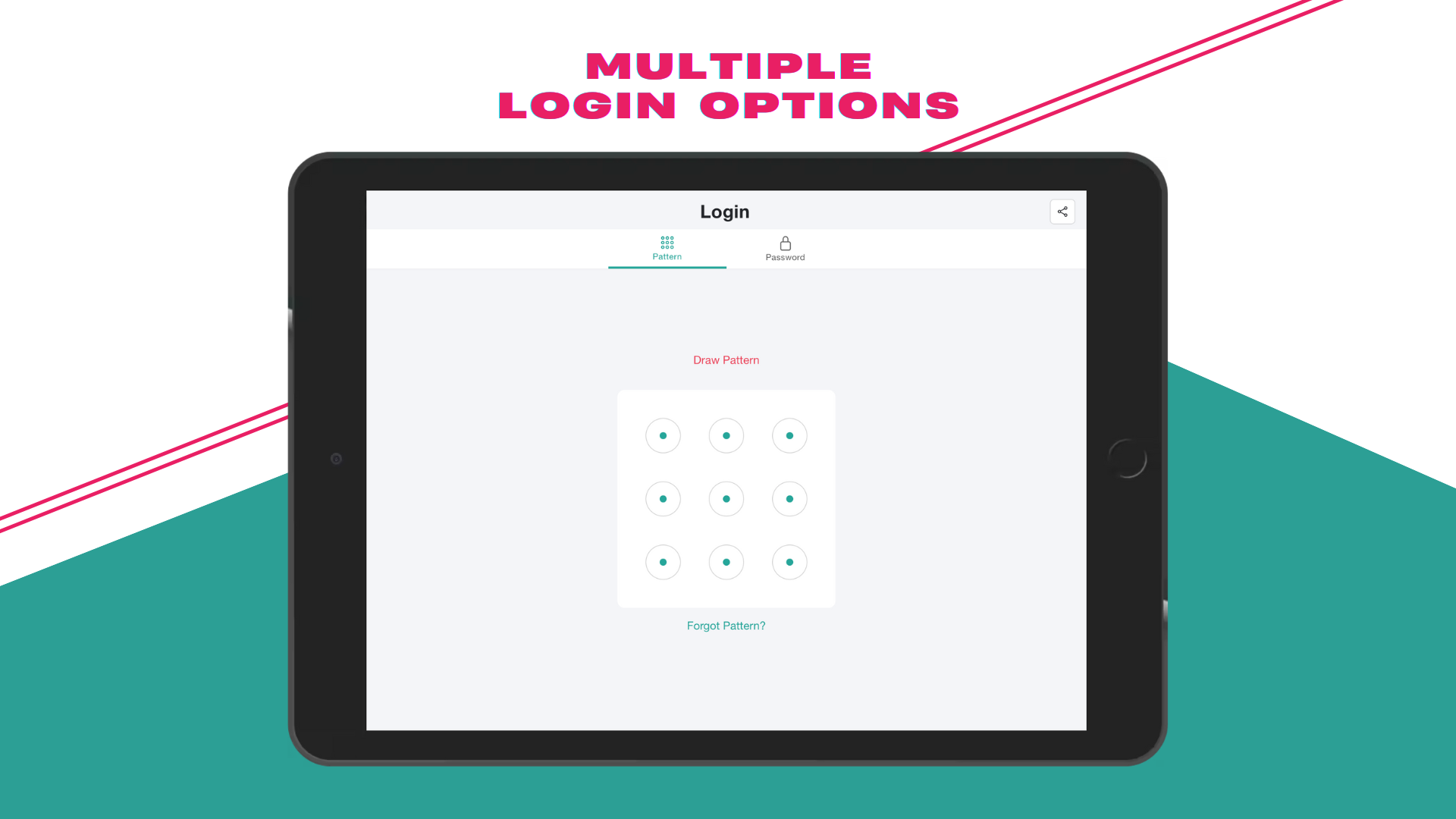
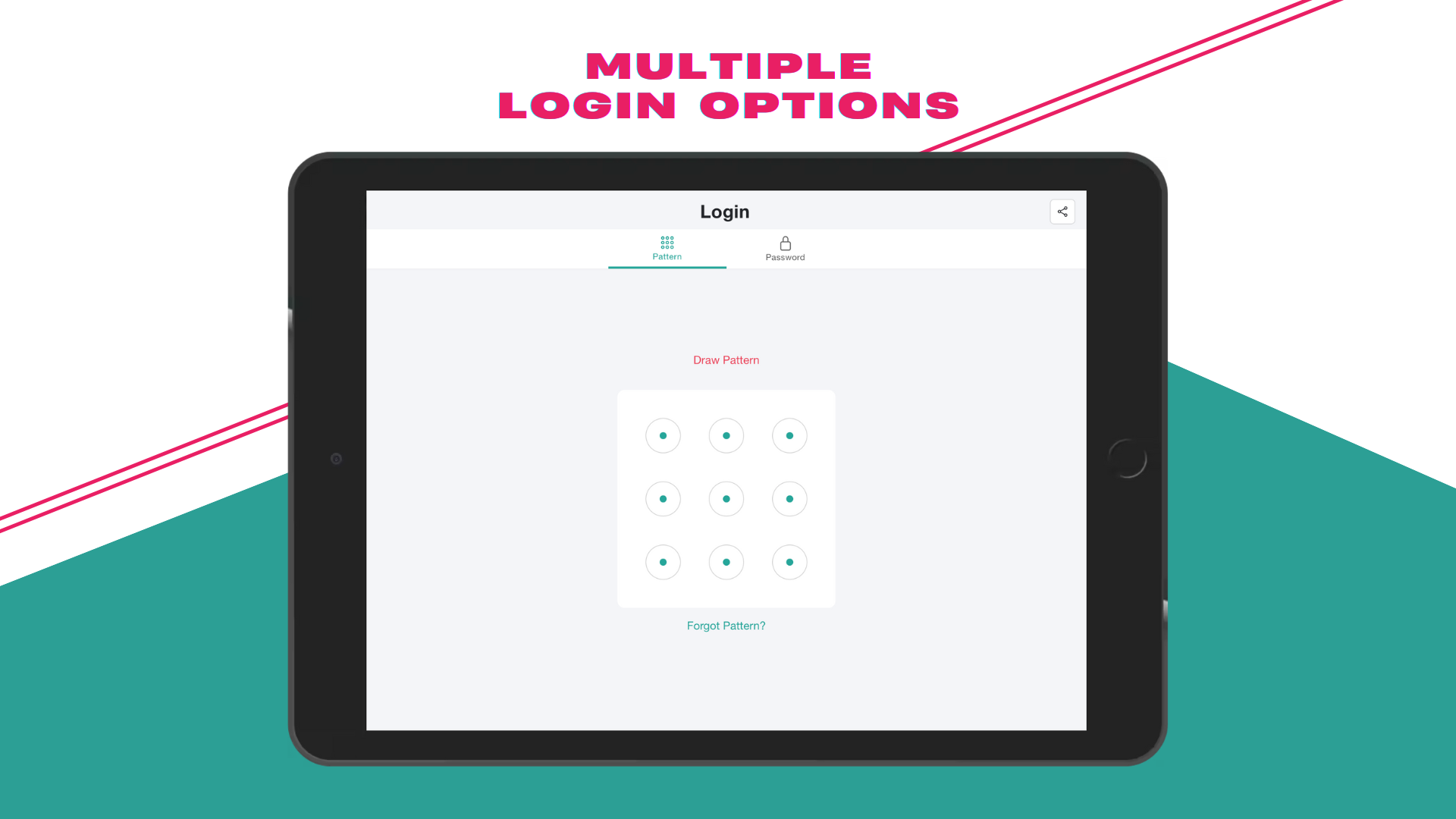
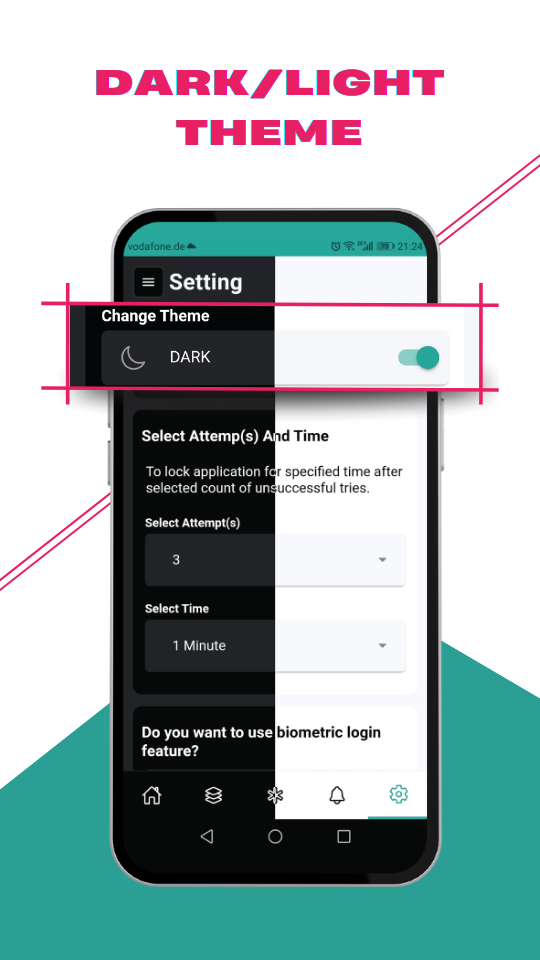
Temporary lock behavior helps block repeated failed unlock attempts.
Session
The app can auto-lock after inactivity to keep data protected between sessions.
Reminders
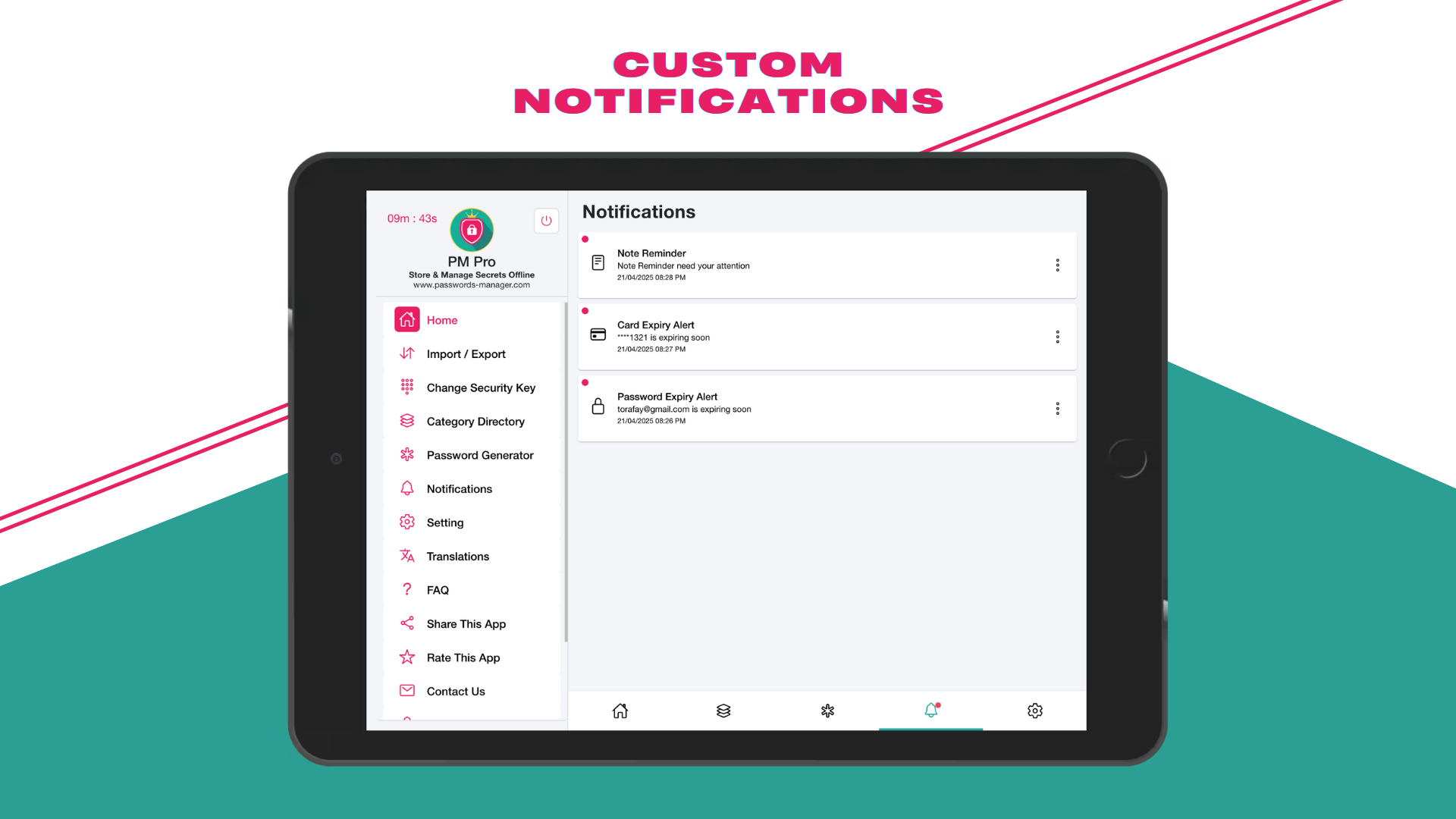
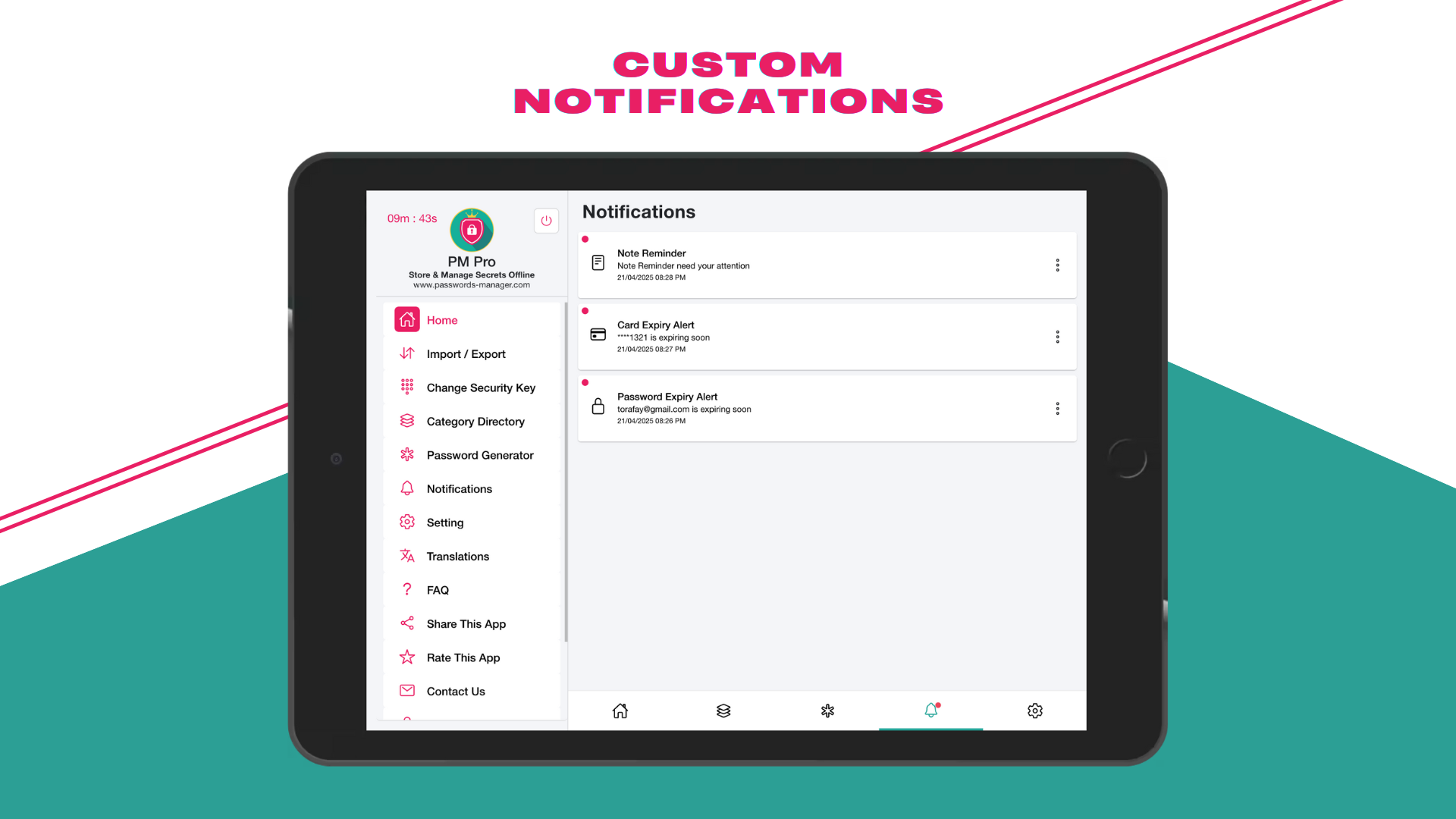
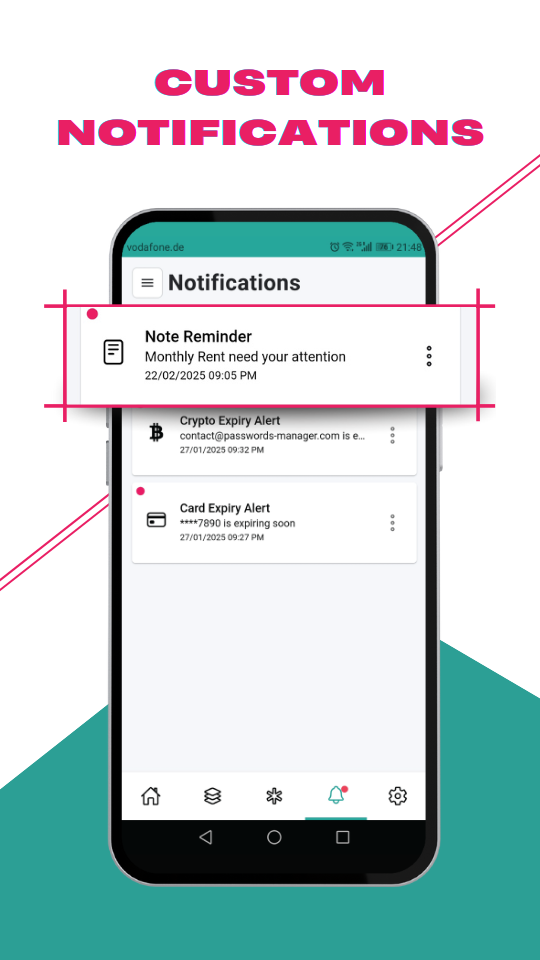
Receive useful alerts for actions and records that require attention.
On-screen privacy
Help reduce unintended exposure of sensitive screens in your data workflow.
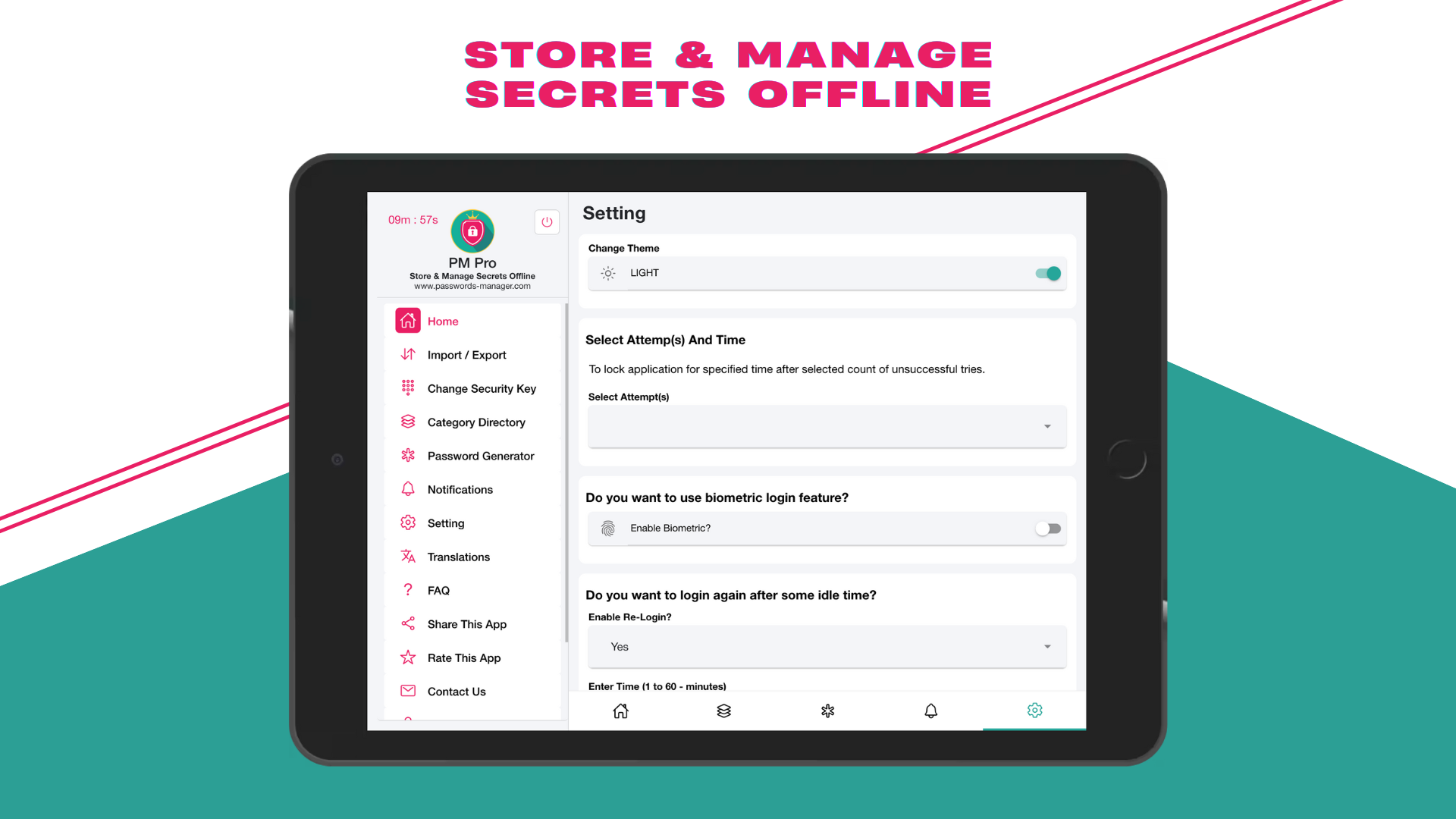
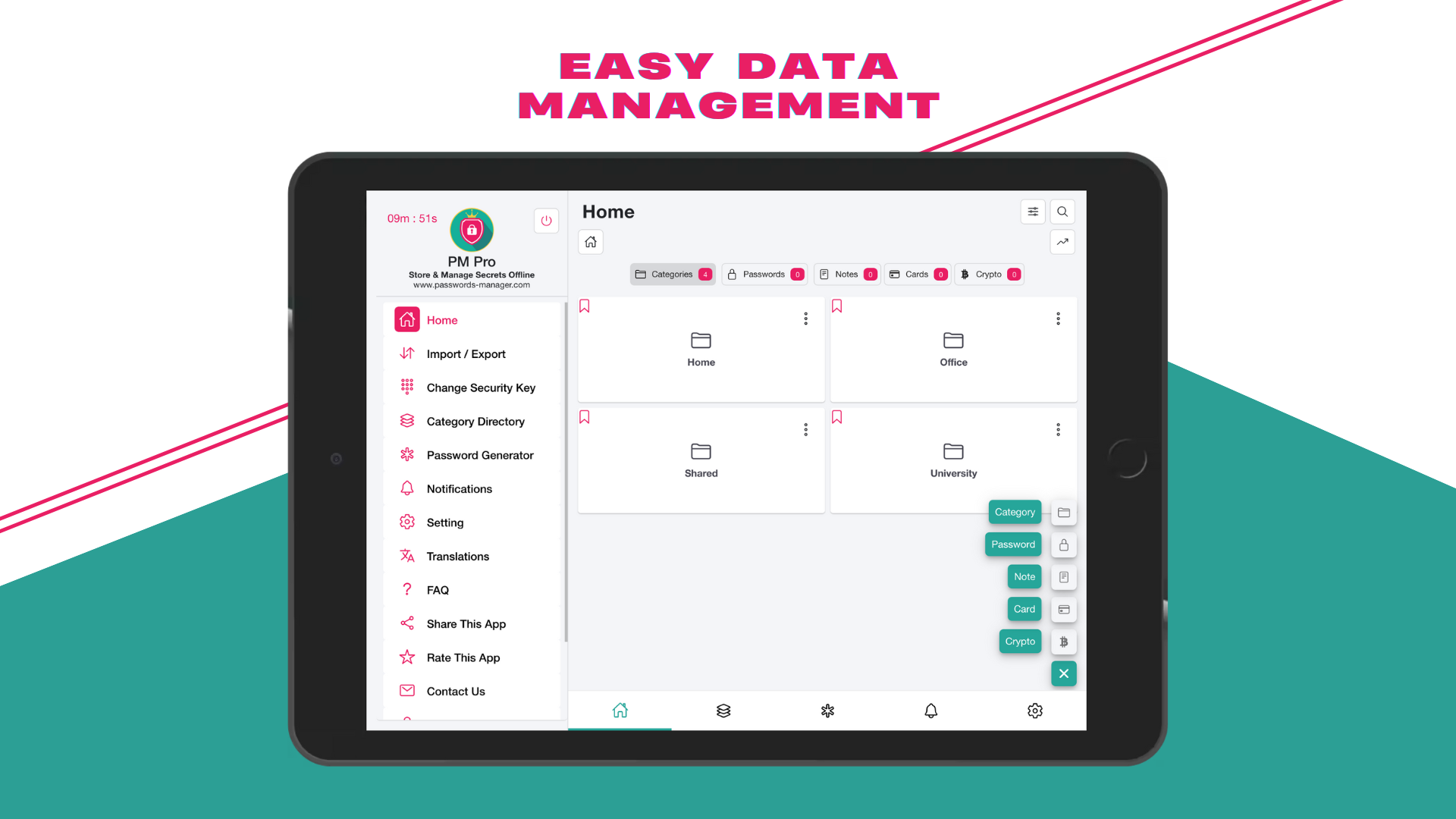
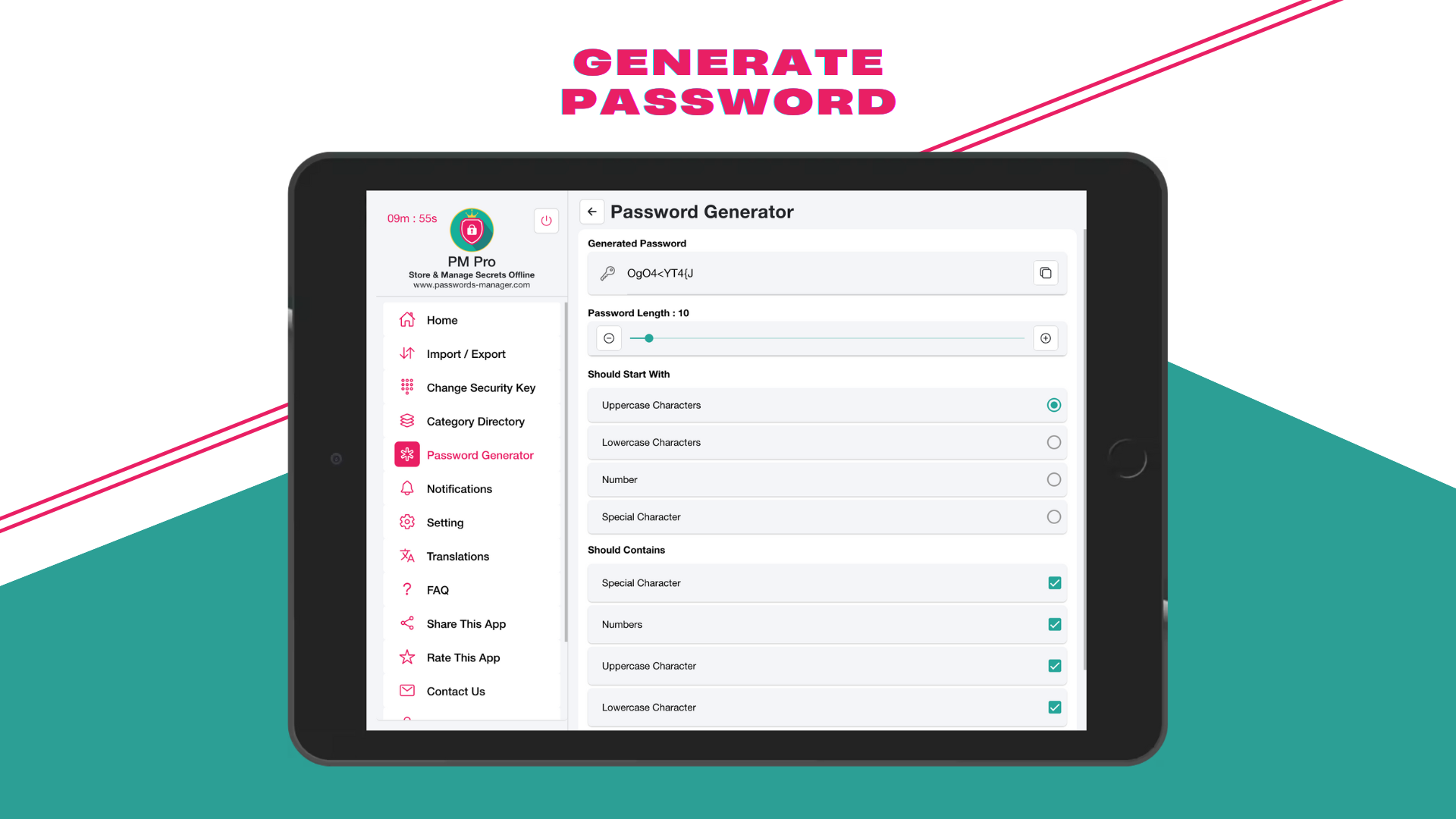
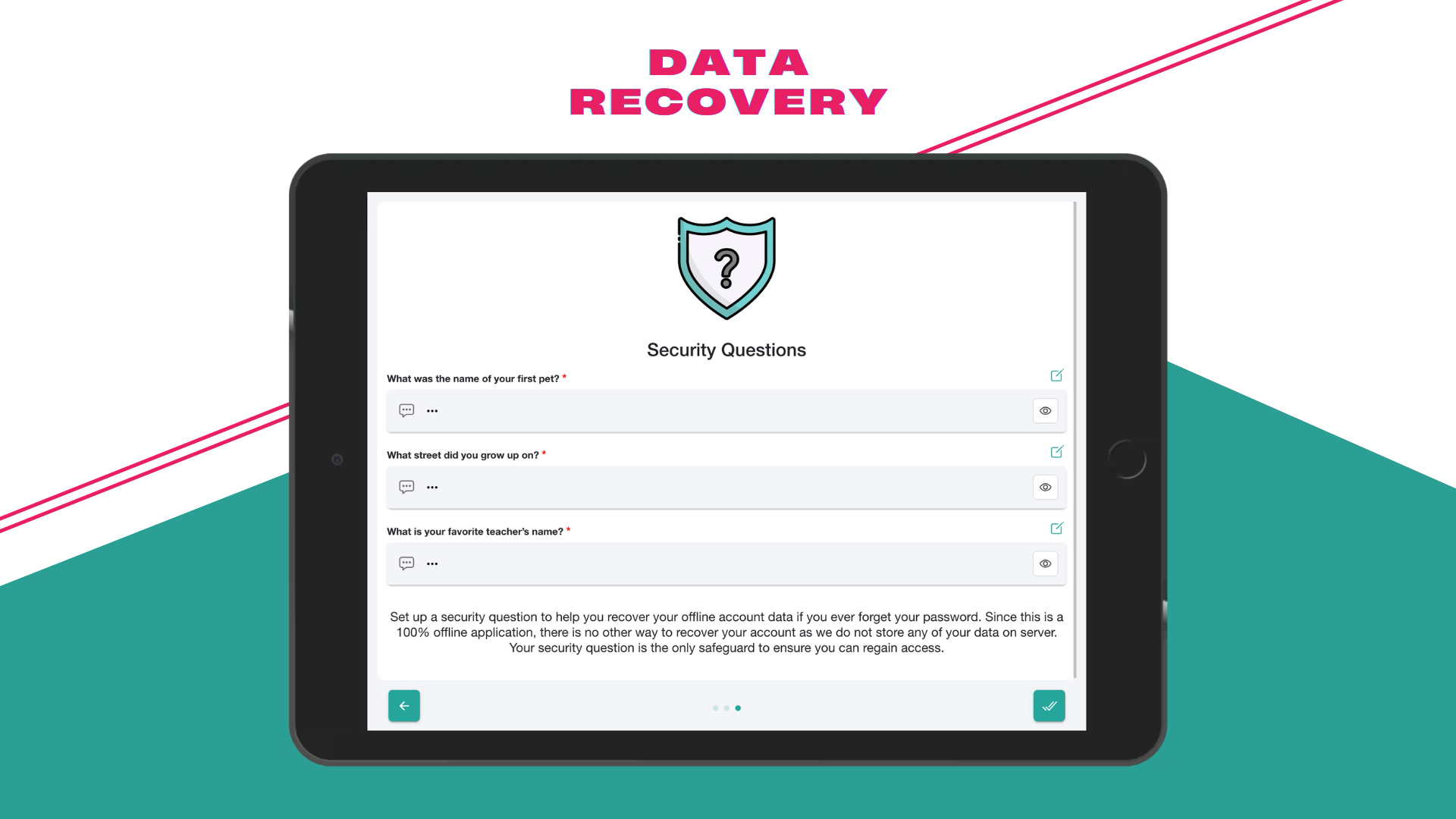
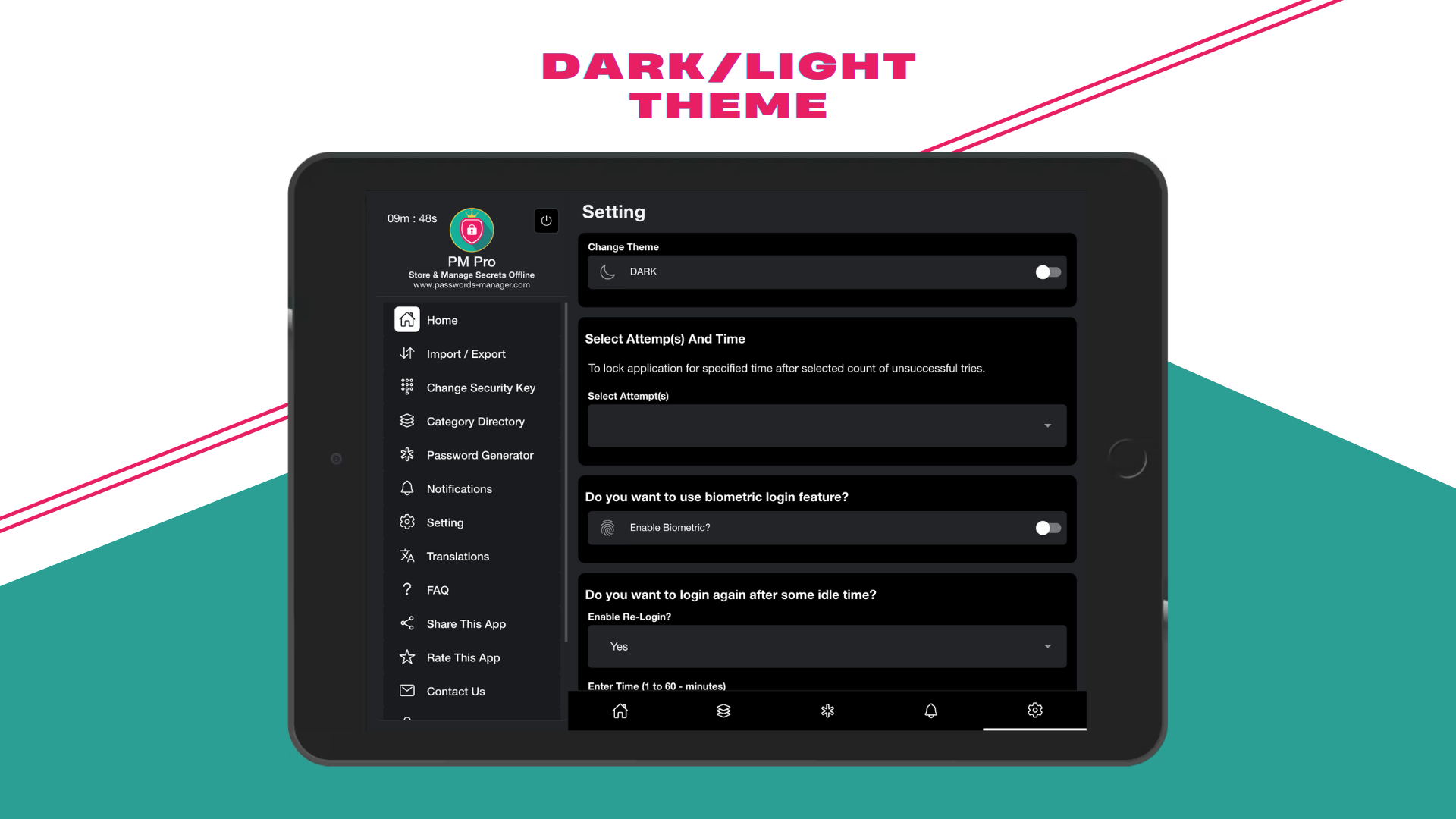
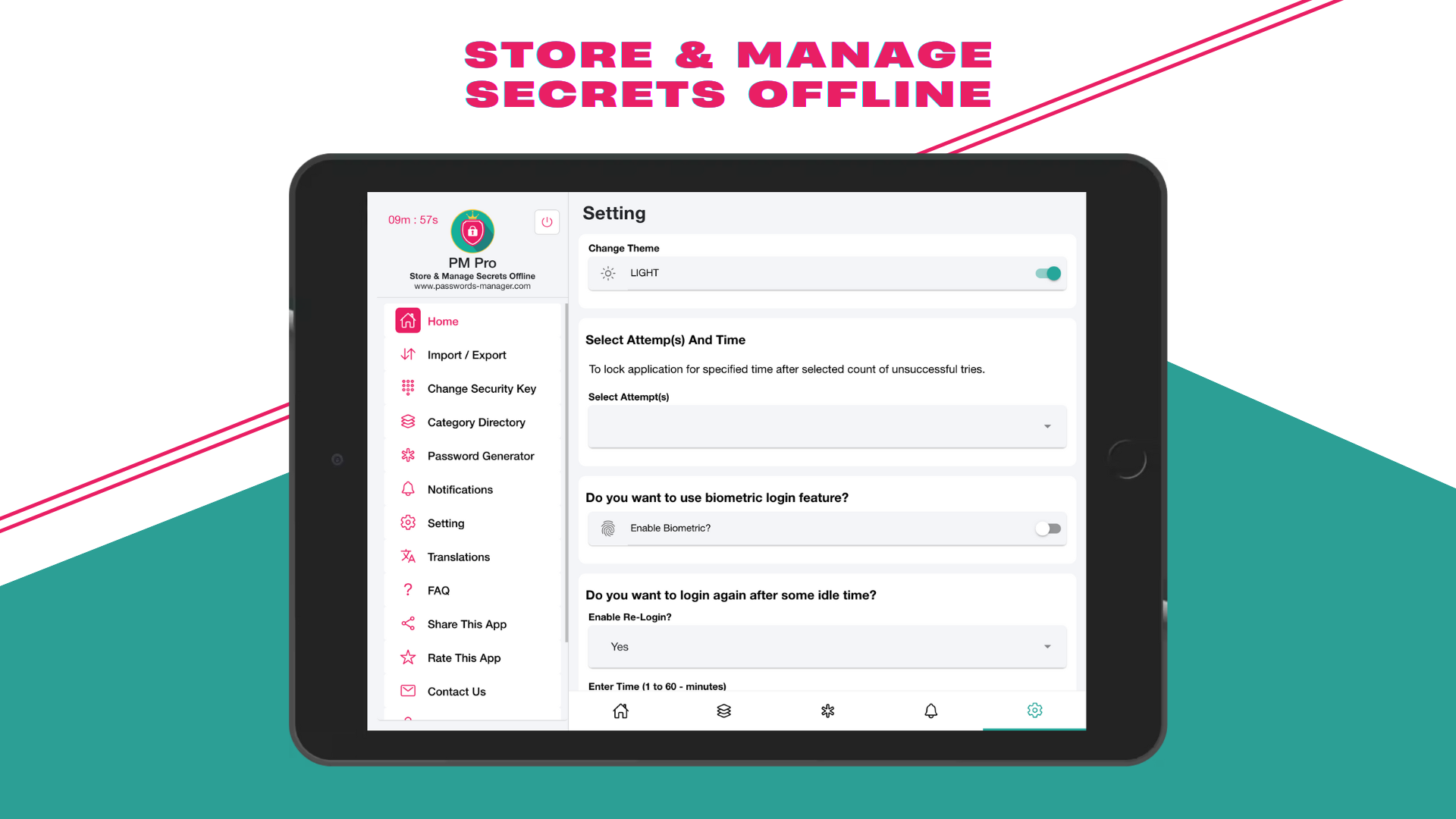
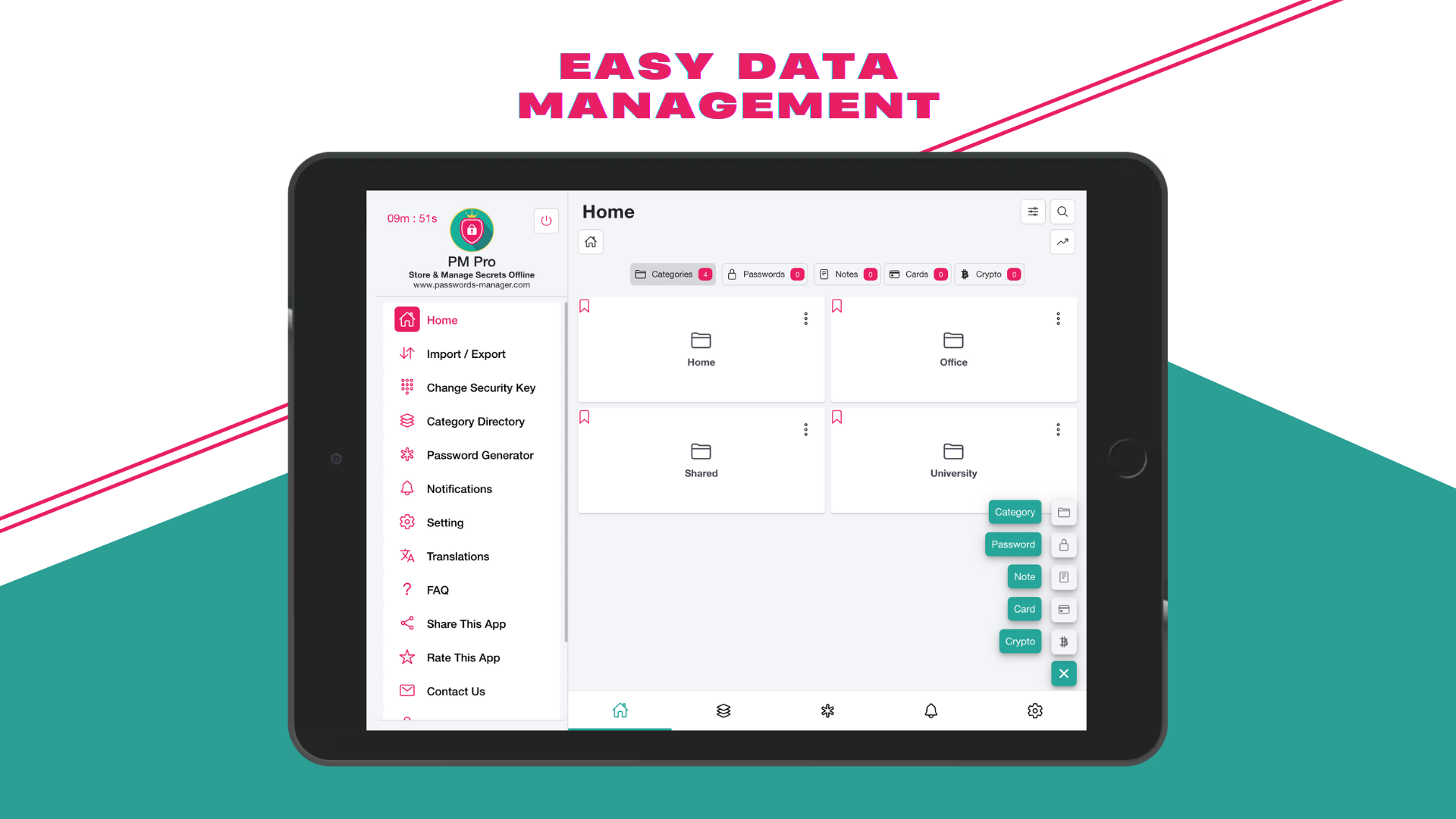
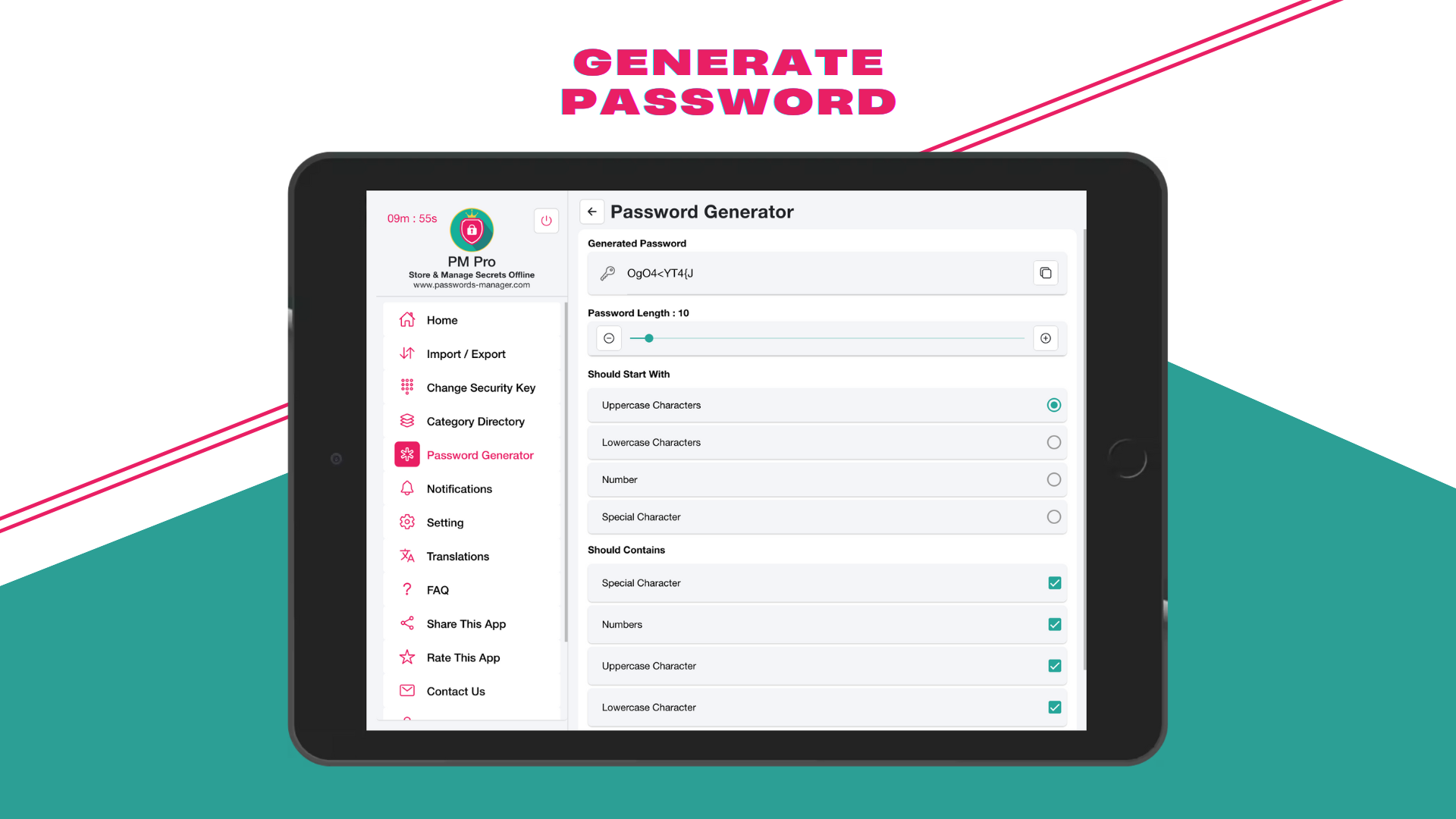
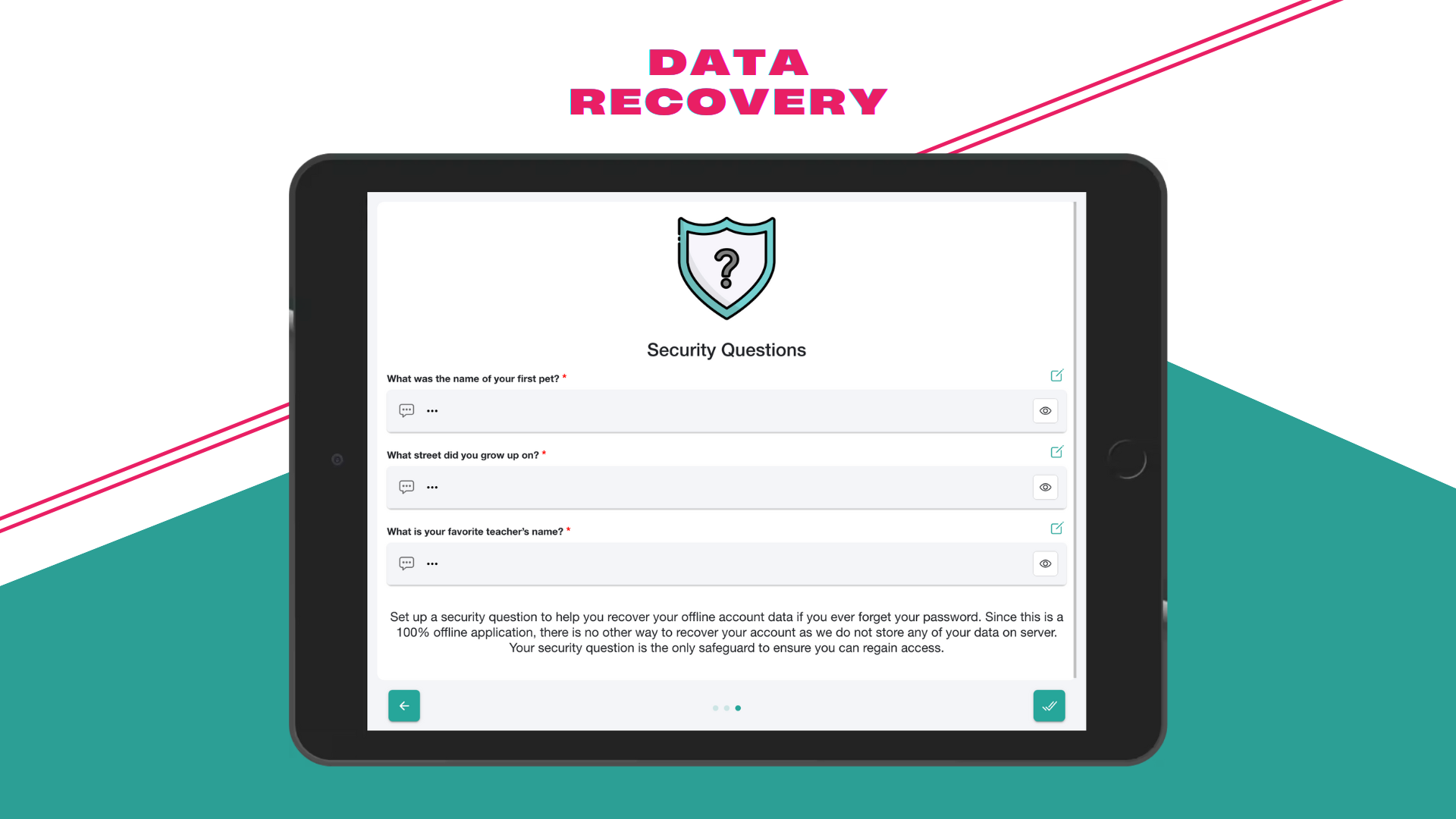
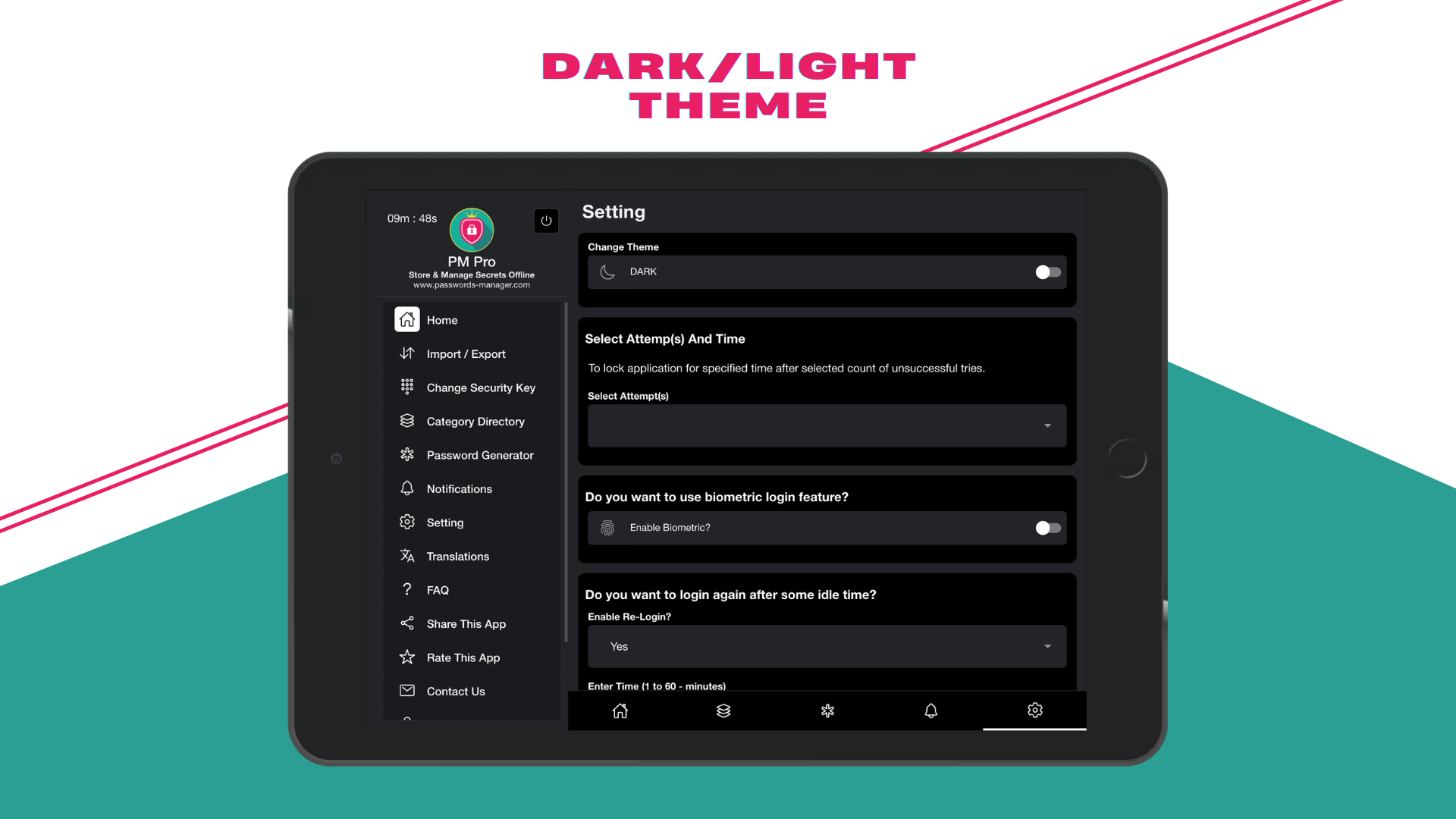
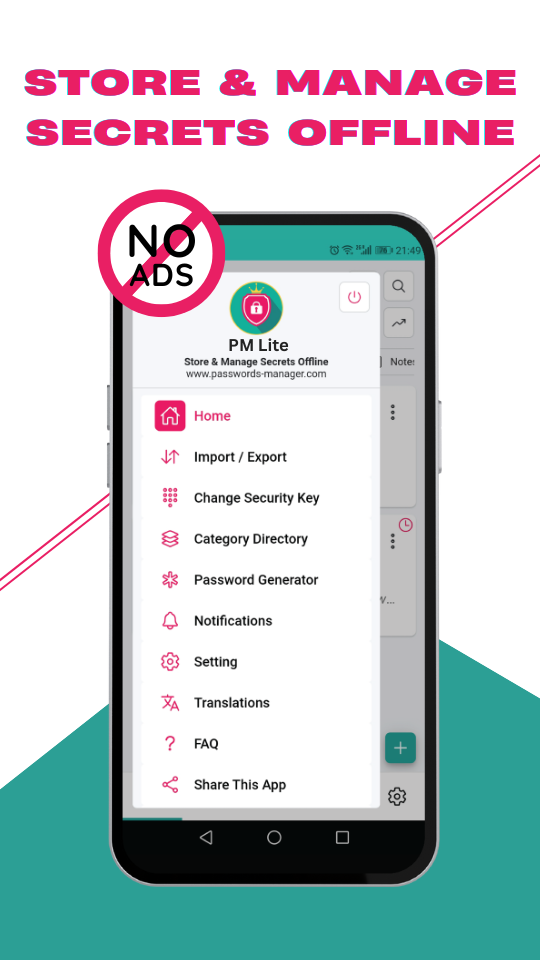
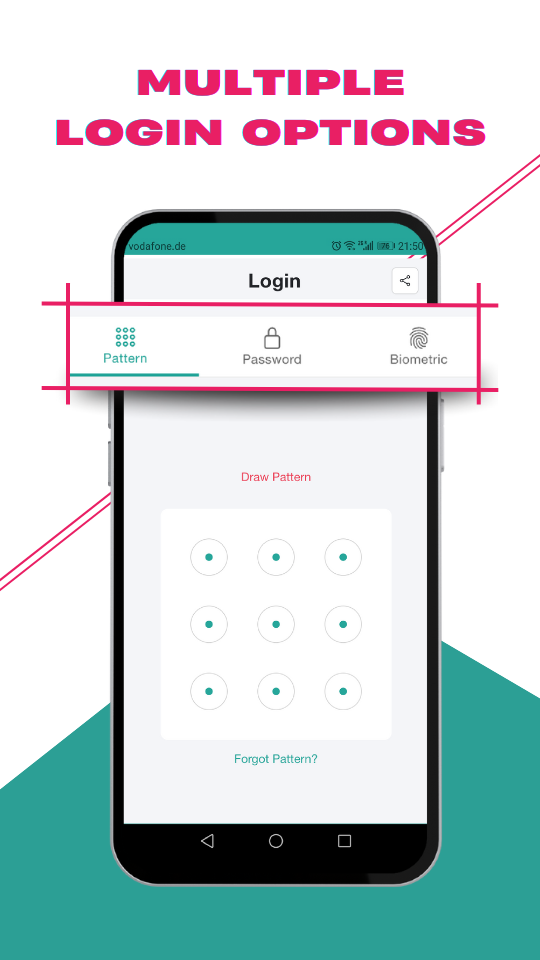
Preview PM Max on mobile, tablet, and desktop layouts.
No. We never host your encrypted data on our servers. PM Max syncs only to the cloud account you connect-your provider’s storage, not ours.
In the cloud provider account you connect.
Yes, offline-first behavior remains core; sync is optional.
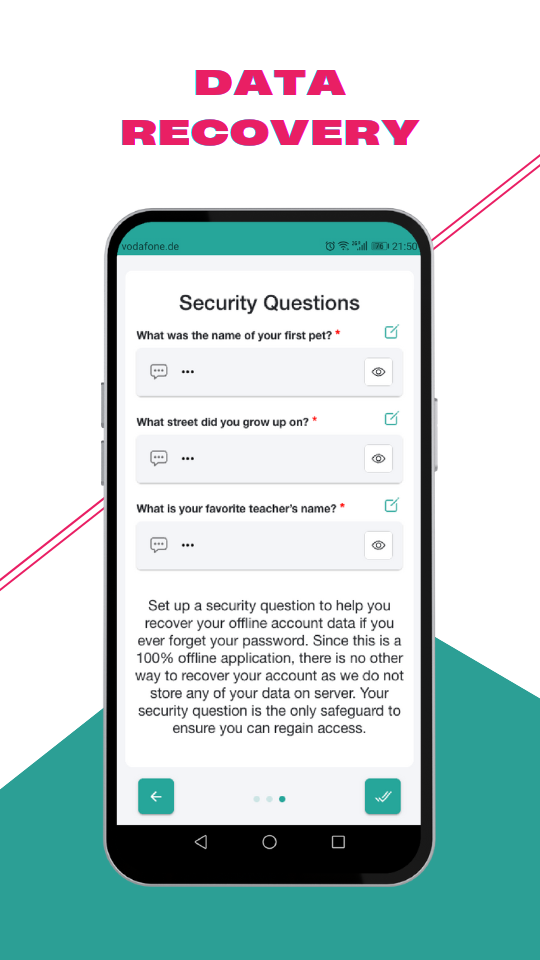
PM Max has no company servers for your sensitive data or secrets. To move data to another device you can use your connected cloud for sync, or export an encrypted file and transfer it yourself. Optional cloud APIs (such as Google Drive or Dropbox) apply only when you connect that provider. Without cloud sync or a manual encrypted export, data stays on one device and the app cannot recover it for you from our side.
Full legal text, including provider-specific disclosures and Google API Services User Data details, is in our Privacy Policy.